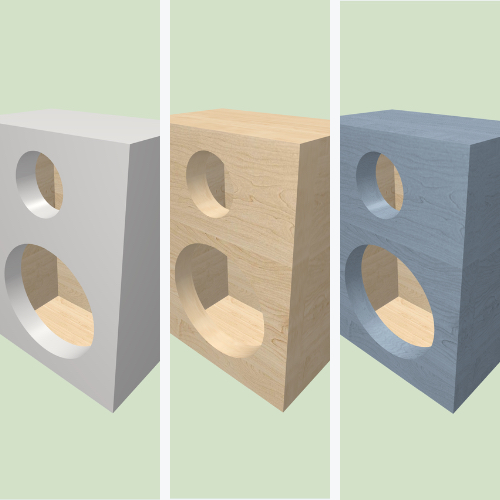
Este artigo explora vários tipos de encaixes e recursos de corte que são essenciais para alinhar painéis com precisão e maximizar a área da superfície de colagem, resultando em uma caixa acústica mais resistente e acusticamente sólida.
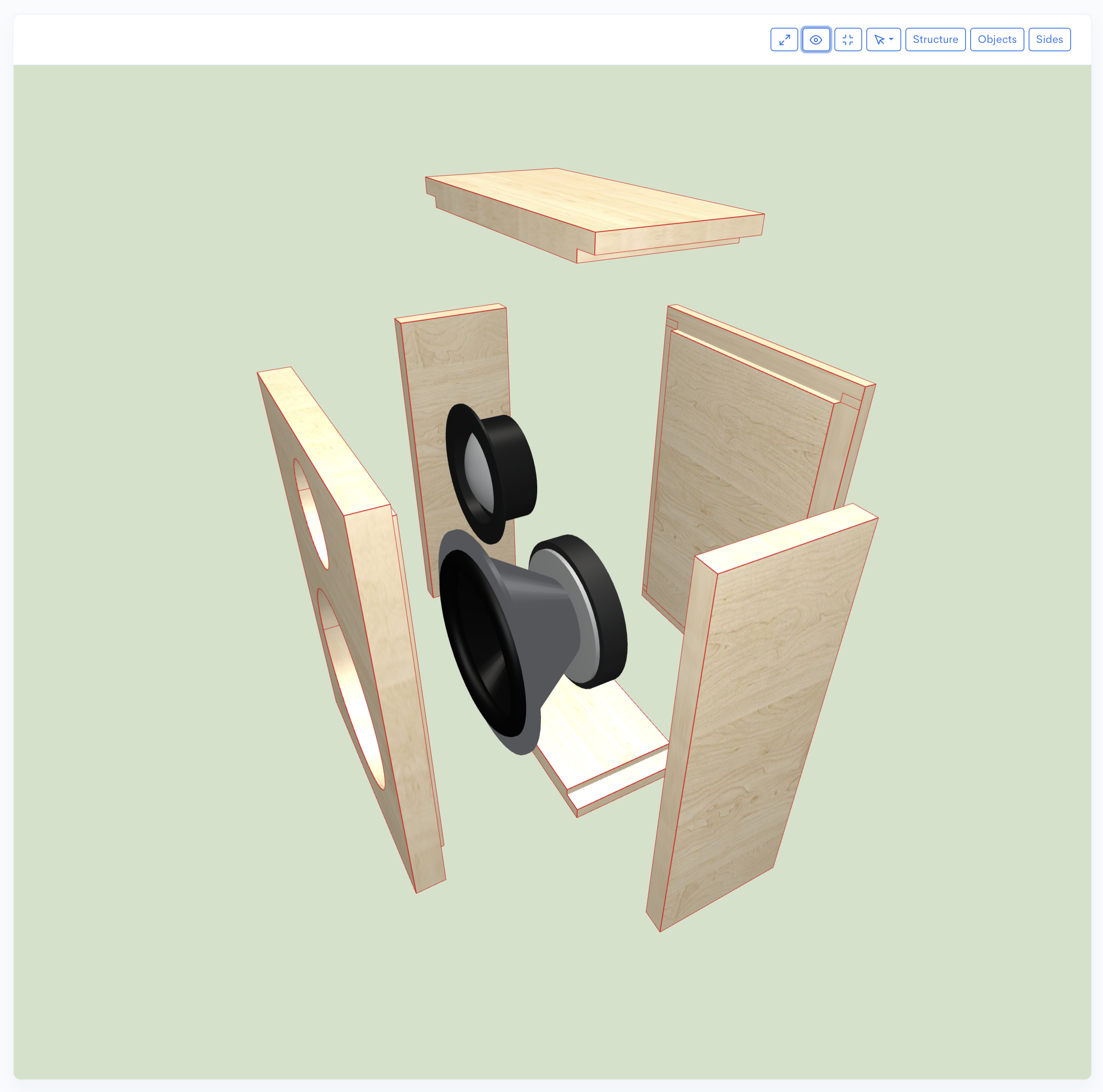

Aprenda a fortalecer suas caixas acústicas utilizando encaixes do tipo dado e rebaixo para garantir alinhamento perfeito e maior rigidez estrutural.

Este artigo explora vários tipos de encaixes e recursos de corte que são essenciais para alinhar painéis com precisão e maximizar a área da superfície de colagem, resultando em uma caixa acústica mais resistente e acusticamente sólida.
A marcenaria adequada é fundamental para a construção de uma caixa acústica rígida e sem ressonância. Dois encaixes de marcenaria comuns usados para integridade estrutural são os dados e os rebaixos. Um dado é um sulco cortado transversalmente ao veio de uma placa, projetado para receber a extremidade ou a borda de outra placa (como uma prateleira). Na construção de caixas acústicas, os dados garantem uma conexão firme, precisamente alinhada e estruturalmente superior entre os painéis, especialmente para aplicações de alta vibração, como subwoofers. Um rebaixo é um sulco cortado ao longo da borda ou extremidade de uma placa para receber outra placa, frequentemente usado em cantos onde um painel lateral se une ao bafle frontal ou a outro lado. Ambos os encaixes aumentam a área de superfície para colagem, tornando o gabinete hermético e menos propenso a vibrar.
No Speaker Box Lite, os termos "Dados" e "Rabbets" são combinados, sendo ambos referidos como "Dados". Este recurso pode ser aplicado a toda a caixa acústica ou seletivamente a arestas individuais ou objetos. Descubra a maneira simples de adicionar dados à sua caixa acústica sem esforço. Este artigo mostra como usar o Speaker Box Lite para realizar isso com apenas alguns cliques, eliminando cálculos complexos, portanto, vamos examinar o processo para aplicar dados à construção da sua caixa.
O recurso de Dados pode ser ativado e configurado na tela "Propriedades da caixa (Box properties)" ao ativar o interruptor "Ativar dados (Enable dados)". Ativar este recurso aplica dados a todas as conexões de aresta da caixa e revela campos de configuração adicionais.
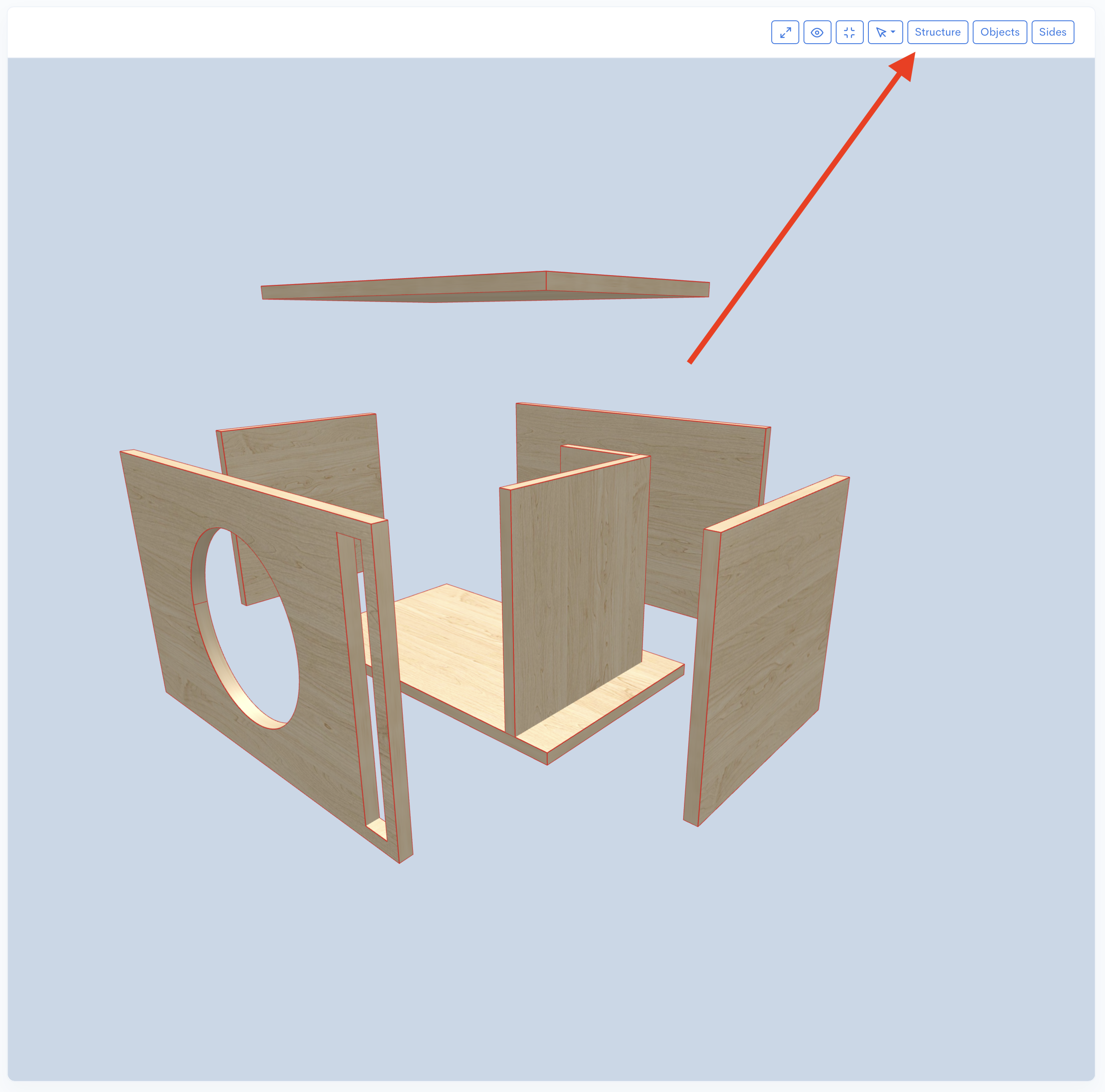
O campo mais crítico é "Profundidade dos dados (Dados depth)". Os dados não serão aplicados às arestas se este campo não for preenchido, mesmo que o recurso esteja ativado.
Outros campos ajustáveis incluem:
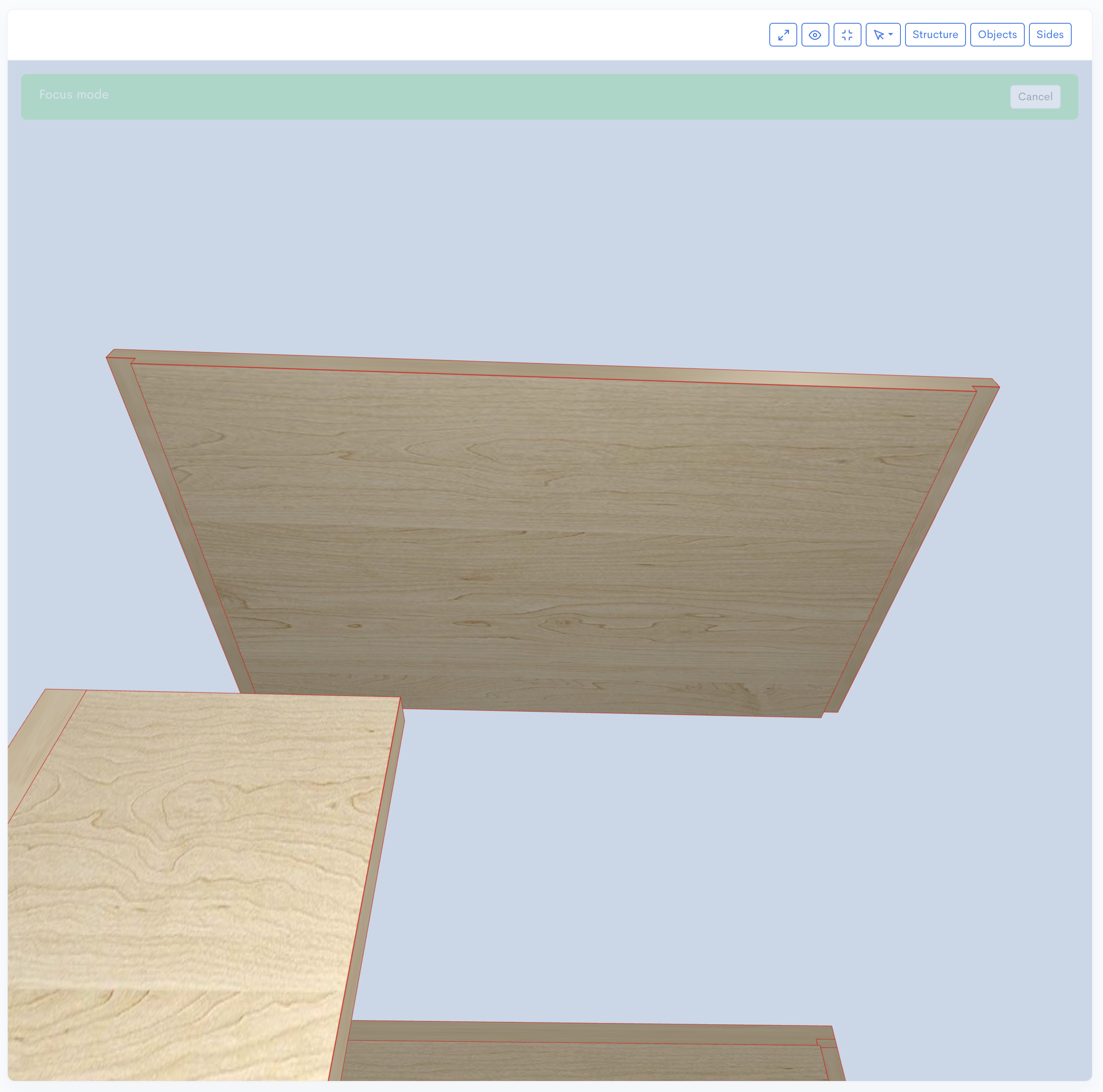
Como demonstrado, o Speaker Box Lite oferece opções abrangentes para configurar dados no projeto da sua caixa.
Os dados podem ser aplicados a arestas individuais, assim como podem ser aplicados a toda a caixa.
Para aplicar um dado a uma aresta específica, primeiro ative a opção Arestas da Caixa (Box`s Edges). Em seguida, abra a tela Propriedades da borda da caixa (Box edge properties) para a aresta desejada. Nesta tela, ative a opção Dados e defina a profundidade no campo Profundidade dos dados (Dados depth).
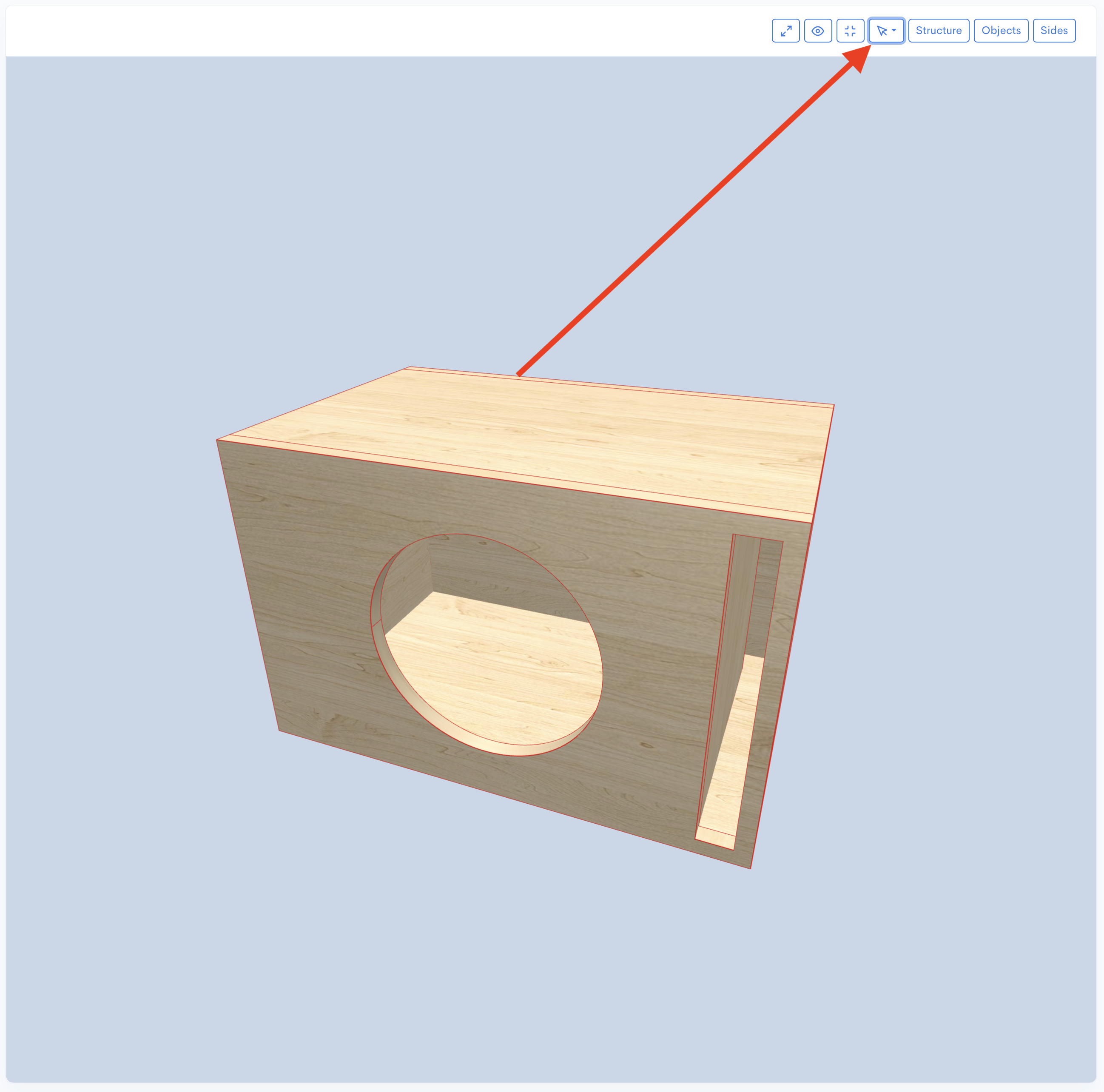
Se a opção geral de dados da caixa já estiver ativada, você ainda poderá personalizar o dado para uma aresta específica nesta tela. A configuração será chamada Dados personalizados (Custom dados). Ative Dados personalizados (Custom dados) para especificar uma Profundidade dos dados (Dados depth) diferente para esta aresta. Você pode definir a Profundidade dos dados (Dados depth) como zero para desativar o dado nesta aresta específica, o que substitui a configuração geral da caixa.
Você tem a flexibilidade de aplicar dados rapidamente a todas as Arestas da Caixa (Box`s Edges) e depois desativá-los seletivamente para arestas específicas ou, alternativamente, apenas Ativar dados (Enable dados) para uma ou algumas arestas selecionadas. Escolha o método que for mais conveniente e rápido para o seu fluxo de trabalho.
Além disso, você pode aplicar dados a objetos que possuem lados. Você pode fazer isso para todos os objetos da caixa usando a opção acima ou para objetos específicos. Para fazer isso, abra a tela de propriedades do objeto; se os dados estiverem disponíveis para este tipo de objeto, você verá a opção Ativar dados (Enable dados), ative-a e defina a profundidade no campo Profundidade dos dados (Dados depth).
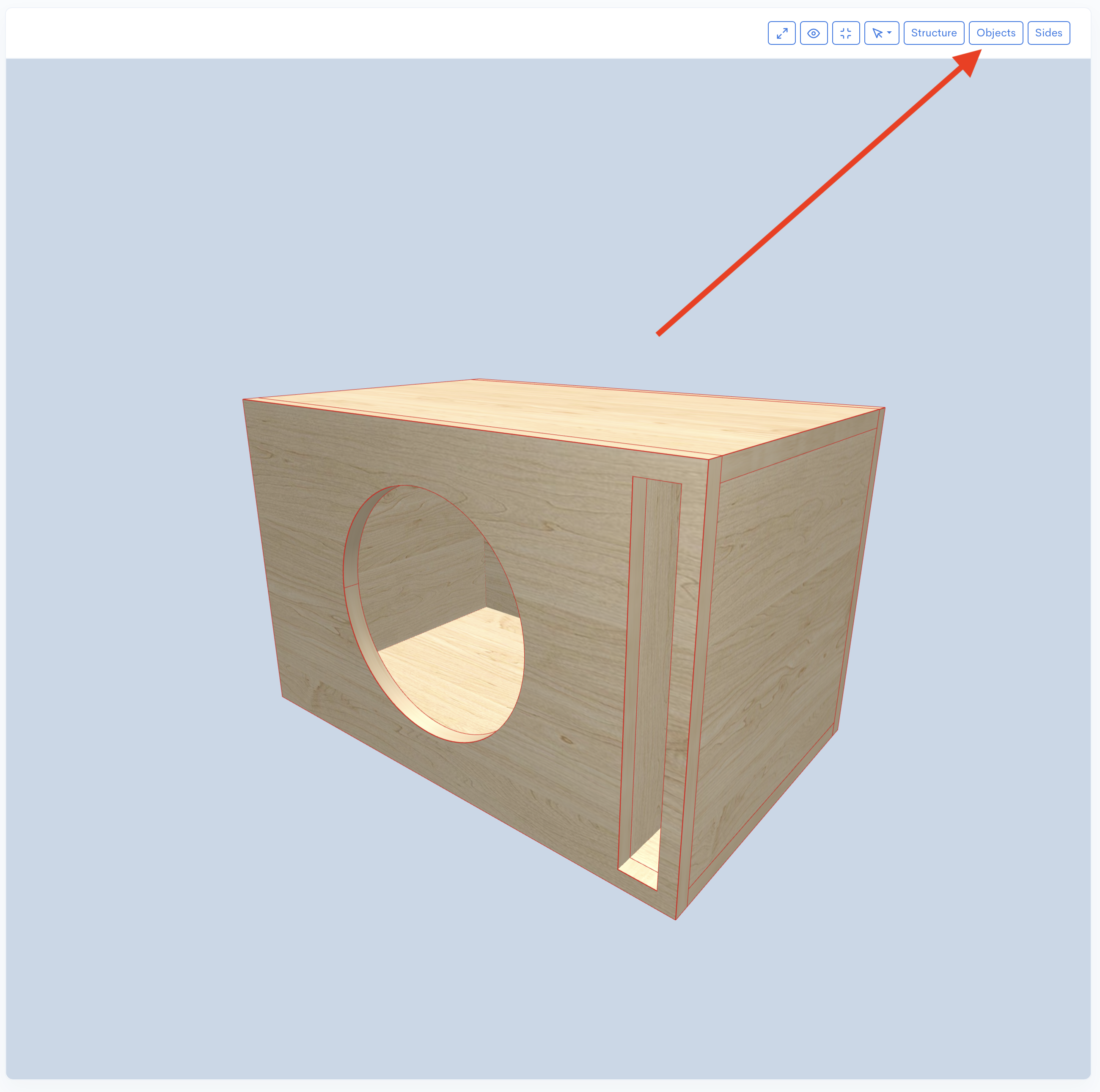
Assim como para as arestas, se você ativar a opção geral Ativar dados para objetos (Enable dados for objects) em vez de Ativar dados (Enable dados), verá a opção Dados personalizados (Custom dados). Você pode ativar essa opção para especificar o valor da profundidade diferente do geral ou defini-lo como zero para desativar os dados para este objeto.
A opção "Stretch direction" para reforços determina como um reforço irá se esticar quando usado para dados. Esta opção oferece três seleções: All, Vertical e Horizontal. Você deve selecionar uma dessas variantes para definir a direção de alongamento desejada.
Este artigo explicou a natureza dos dados e forneceu instruções sobre a sua aplicação no Speaker Box Lite. Em conclusão, a junta de dado destaca-se como uma técnica especializada e indispensável na marcenaria de alta qualidade, particularmente para caixas personalizadas. Ao maximizar a área da superfície de colagem e oferecer resistência mecânica intrínseca, os dados aumentam drasticamente a integridade estrutural, garantindo que a caixa possa suportar pressões acústicas intensas sem flexão dos painéis. Além da resistência, a sua natureza de auto-alinhamento garante o posicionamento preciso dos painéis, o que é fundamental tanto para uma estética impecável quanto para um desempenho acústico ideal. Por fim, o dado simplifica a montagem, ao mesmo tempo que garante um produto final robusto e de nível profissional, tornando-o uma marca de excelência na construção de caixas.